Appearance
Your account & workspace
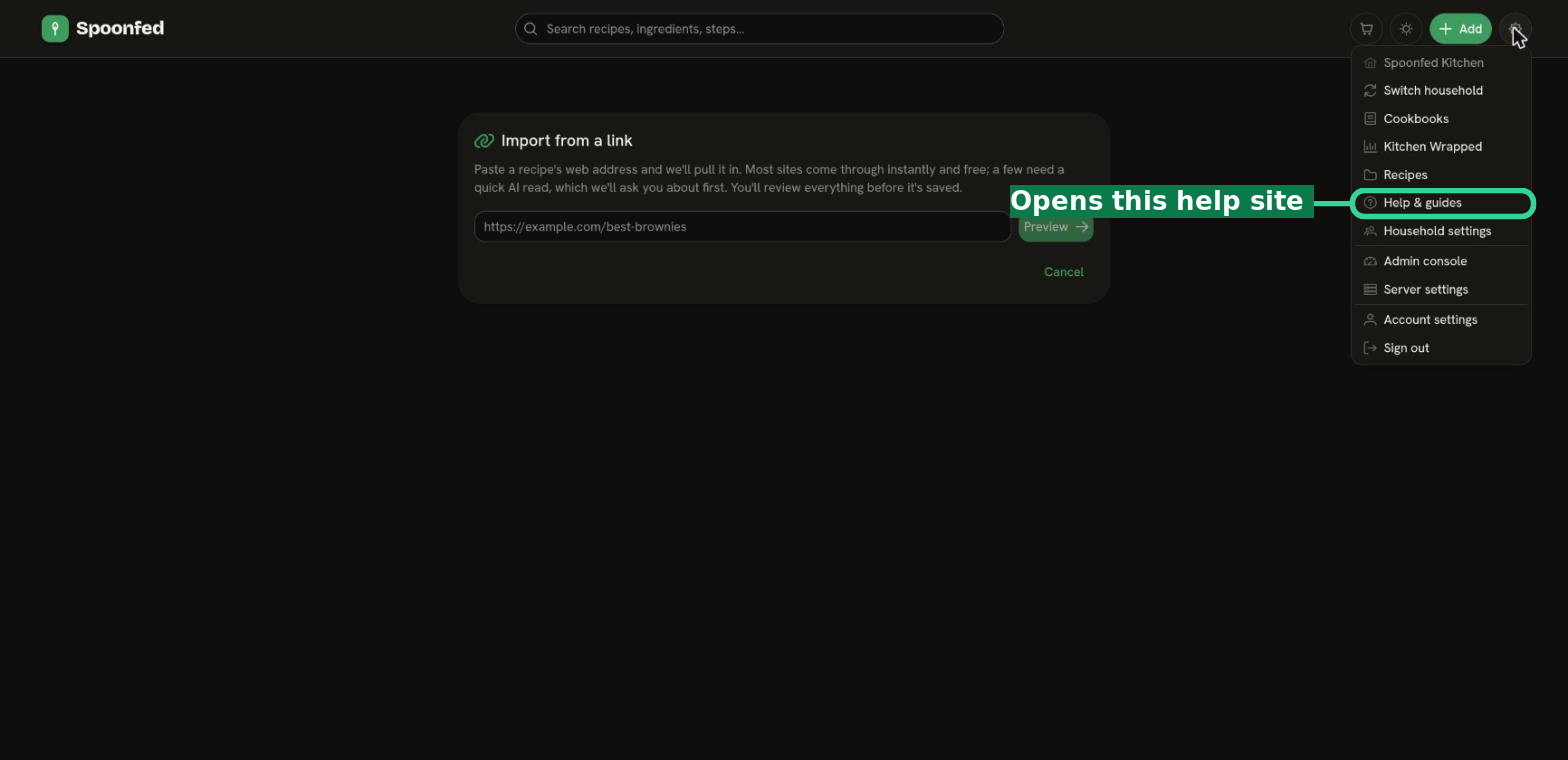
Two places hold your settings: your account (about you) and Manage (about your workspace and household). Both are reachable from the menu behind the gear icon in the top-right — which also holds the Help & guides link back to this site.
Your account
From your account page you can manage your profile and preferences — the things that are about you as a person, and follow you across any household you belong to.
- Preferences — personal choices like how recipes are displayed.
- Security — your sign-in and account security settings, including changing your password.
Manage
The Manage page is your workspace hub. Depending on your role, it's where you'll find:
- Household settings — options that apply to your whole household (Owners).
- Members & invites — see who's in your household and invite people (see Households, roles & invites).
- Export — back up or move your recipes (see Exporting recipes).
Getting help
Stuck? This help site covers the main features. If you're new, start with Getting started; to bring recipes in, see Importing recipes.