Appearance
Creating & editing recipes
You can write a recipe from scratch or reshape one you found. Either way you use the same editor.
Creating a new recipe
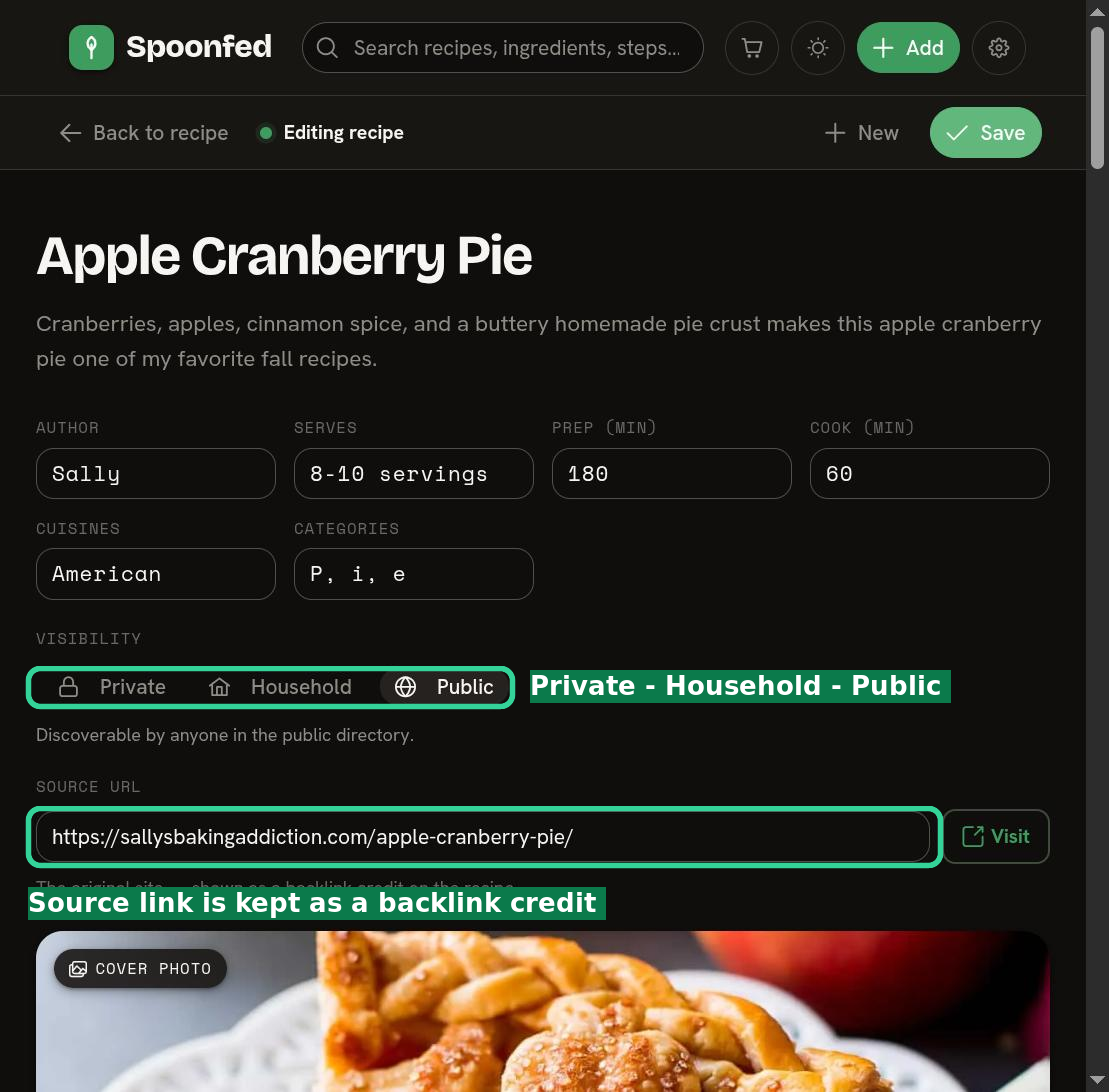
From the Add menu, choose to create a new recipe. The editor gives you a title, details (times, servings, and so on), sections, ingredients, and steps.
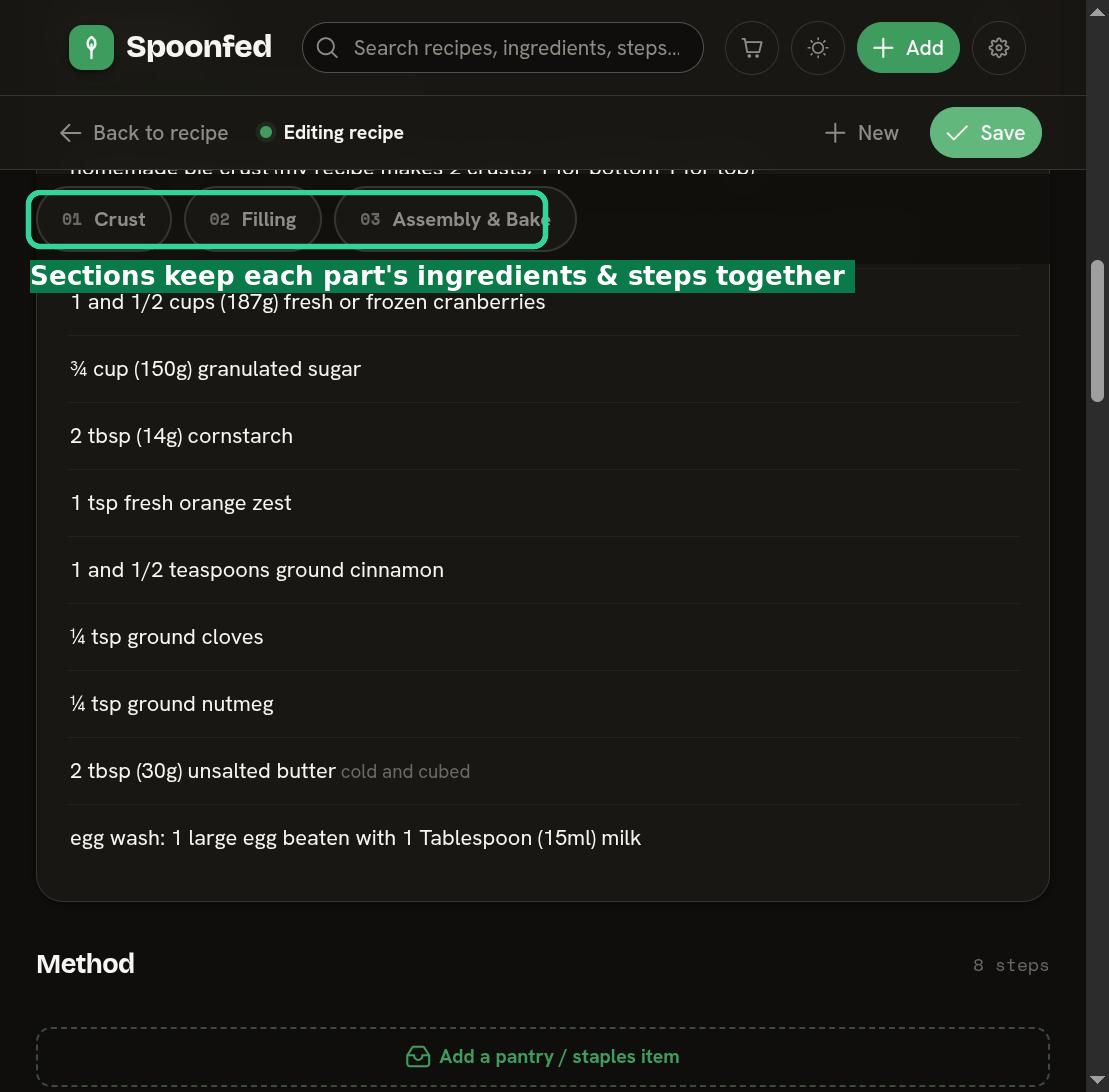
- Sections let you group a recipe into parts — for example a sauce and a filling — each with its own ingredients and steps kept together.
- Ingredients are entered as plain lines (e.g. "2 cups flour"); Spoonfed parses the amount, unit, and item for you.
Editing forks the recipe
This is the important one: editing a recipe you didn't create makes your own copy of it. Instead of changing the original, Spoonfed forks it — you get your own version to change freely, and the original is left untouched for everyone else.
Your copy keeps a visible link back to the recipe it was forked from, so you can always see where it came from and open the original. It's the best of both worlds: make it yours, without losing the source.
Reorder by dragging
Steps and sections can be reordered by dragging. Grab a step (or a whole section) and drop it where it belongs — handy when you realize the marinade should come first, or you want to reshuffle a method.
Saving
When you're happy, save. Your recipe joins My kitchen and you can organize it into cookbooks, annotate it, or add its ingredients to your cart.